
Resident handbook · 2021 edition
Move-in packet.
Flip through the original welcome booklet or save it for later. For this year’s events, rewards and move-in instructions, contact the leasing office.
Download the bookletPage 9 of 14
Resident portal
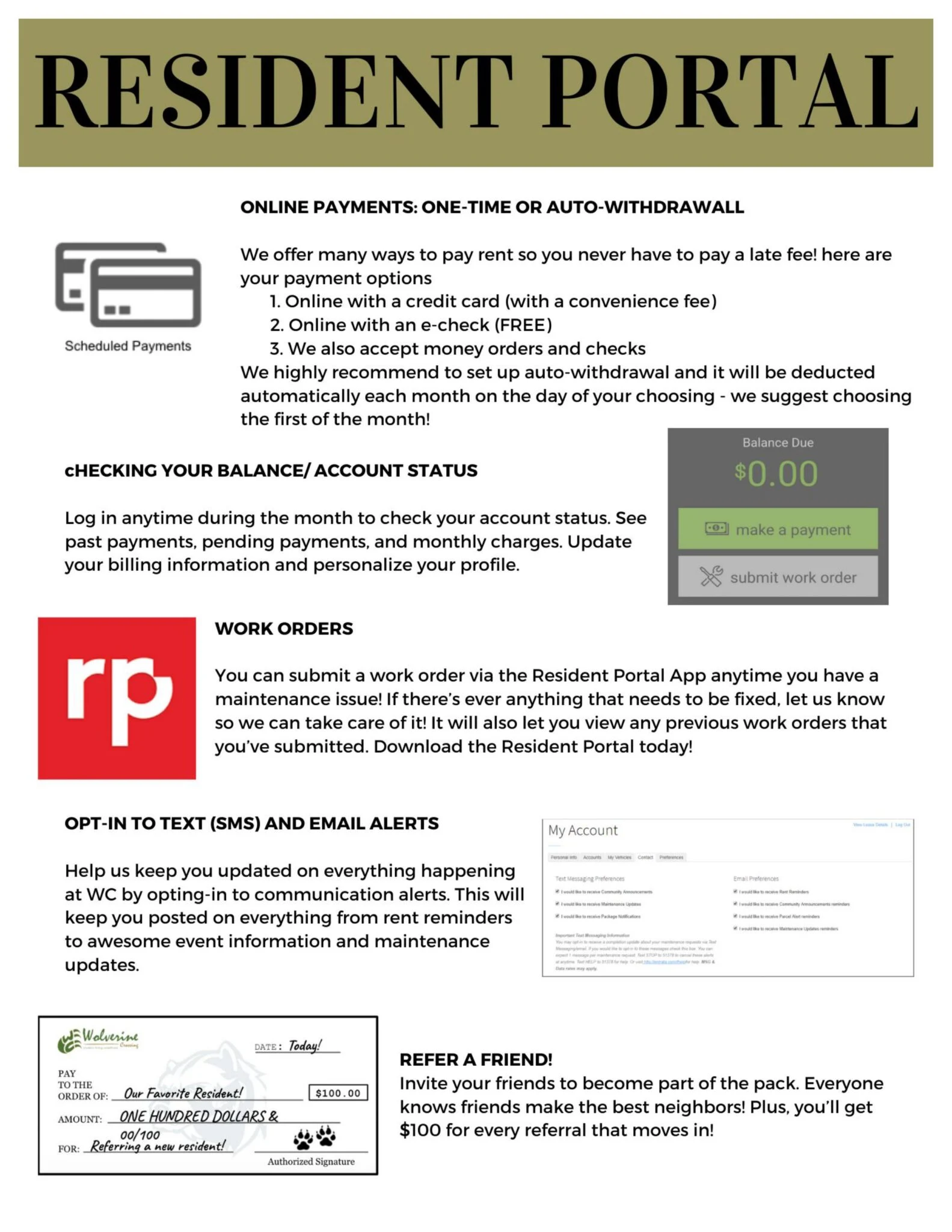
The original instructions for online payments, mobile access and checks.
Open full sizeRead page 9 as text
Resident portal
Online payments: one-time or auto-withdrawal
We offer many ways to pay rent so you never have to pay a late fee! Here are your payment options.
- Online with a credit card (with a convenience fee)
- Online with an e-check (free)
- We also accept money orders and checks
We highly recommend to set up auto-withdrawal and it will be deducted automatically each month on the day of your choosing. We suggest choosing the first of the month!
Checking your balance / account status
Log in anytime during the month to check your account status. See past payments, pending payments, and monthly charges. Update your billing information and personalize your profile.
The sample screen shows a $0.00 balance with “Make a payment” and “Submit work order.”
Work orders
You can submit a work order via the Resident Portal App anytime you have a maintenance issue! If there’s ever anything that needs to be fixed, let us know so we can take care of it! It will also let you view any previous work orders that you’ve submitted. Download the Resident Portal today!
Opt-in to text (SMS) and email alerts
Help us keep you updated on everything happening at WC by opting-in to communication alerts. This will keep you posted on everything from rent reminders to awesome event information and maintenance updates.
Refer a friend!
Invite your friends to become part of the pack. Everyone knows friends make the best neighbors! Plus, you’ll get $100 for every referral that moves in!
The example $100 check is payable to “Our Favorite Resident!” for “Referring a new resident!”